Let minnow when you're free
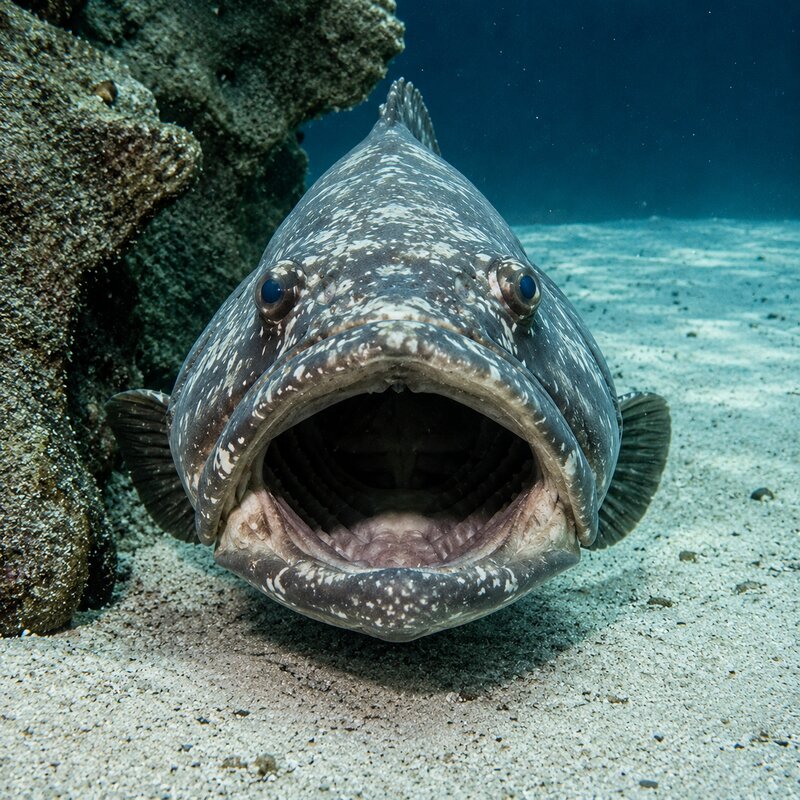
grouper
Grouper forms groups by weekly availability.
For students
- Open the course link provided by your instructor and sign in.
- Join an existing group, or provide your availability to form a new one — we'll email you when your group is formed.
- You can leave your group, join another, or revise your availability so we can match you again.
For instructors
- Sign in (top right) and create a course; post its link on your course site.
- Set policy in the instructor console: group sizes, shared meeting time, self-join.
- Watch signups arrive; the availability heatmap shows where groups will land.
- Form groups with one button, or let them form on their own as signups arrive. TAs, if provided, are matched automatically to groups and can take attendance.
- Adjust anytime — place or remove people, dissolve groups — and export the roster and history.